










01
Buy your upgrade code
Purchase the upgrade code for 500 Lite to 500 in our online store. Use an email address you can access when placing your order.
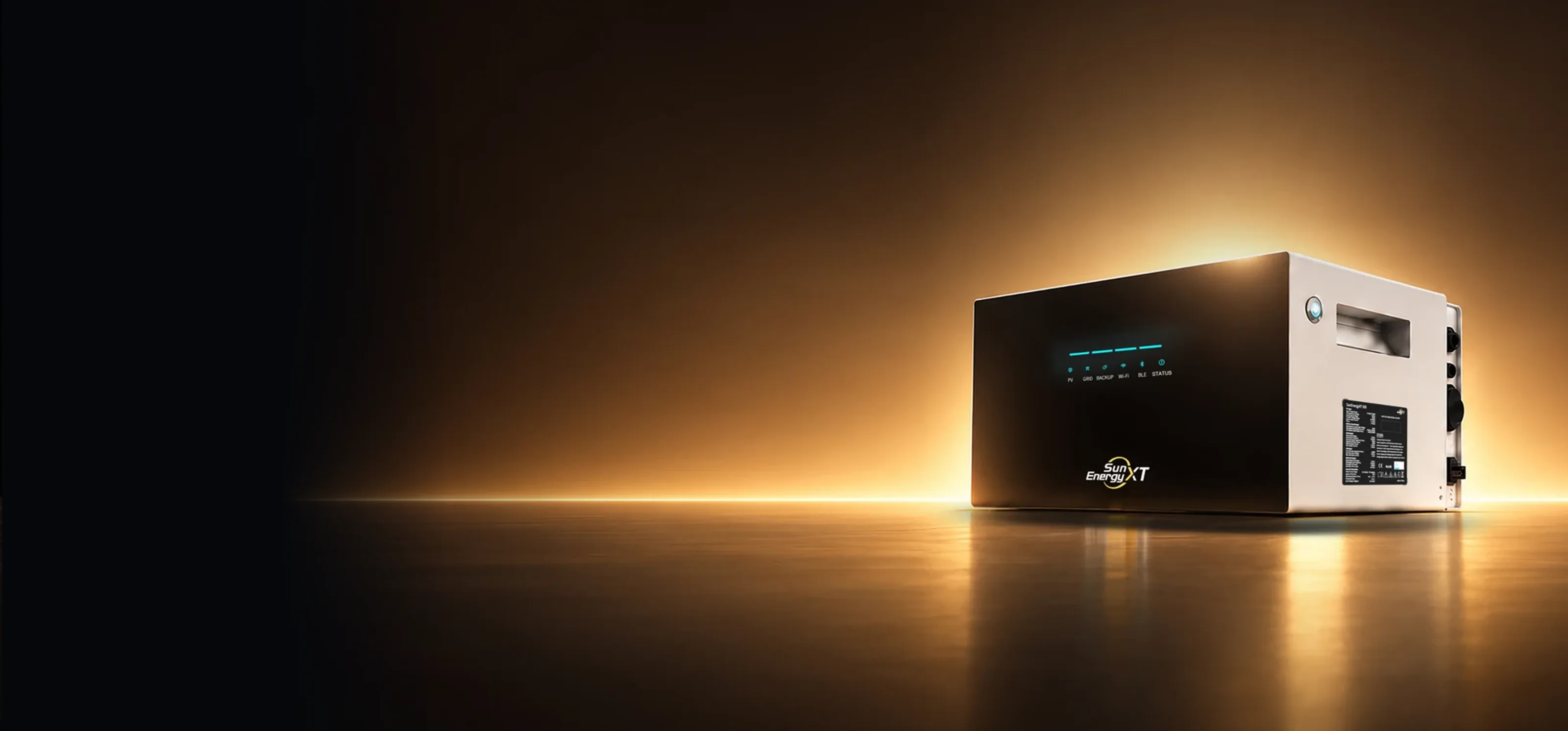
One code. One conversation. More from the energy system you already own.
01
Purchase the upgrade code for 500 Lite to 500 in our online store. Use an email address you can access when placing your order.

02
Your upgrade code will be sent to the email address used at checkout. Keep the message handy for the next step.

03
Send your code to SunEnergyXT Support. Our team will guide you through the upgrade from 500 Lite to 500.
What happens next
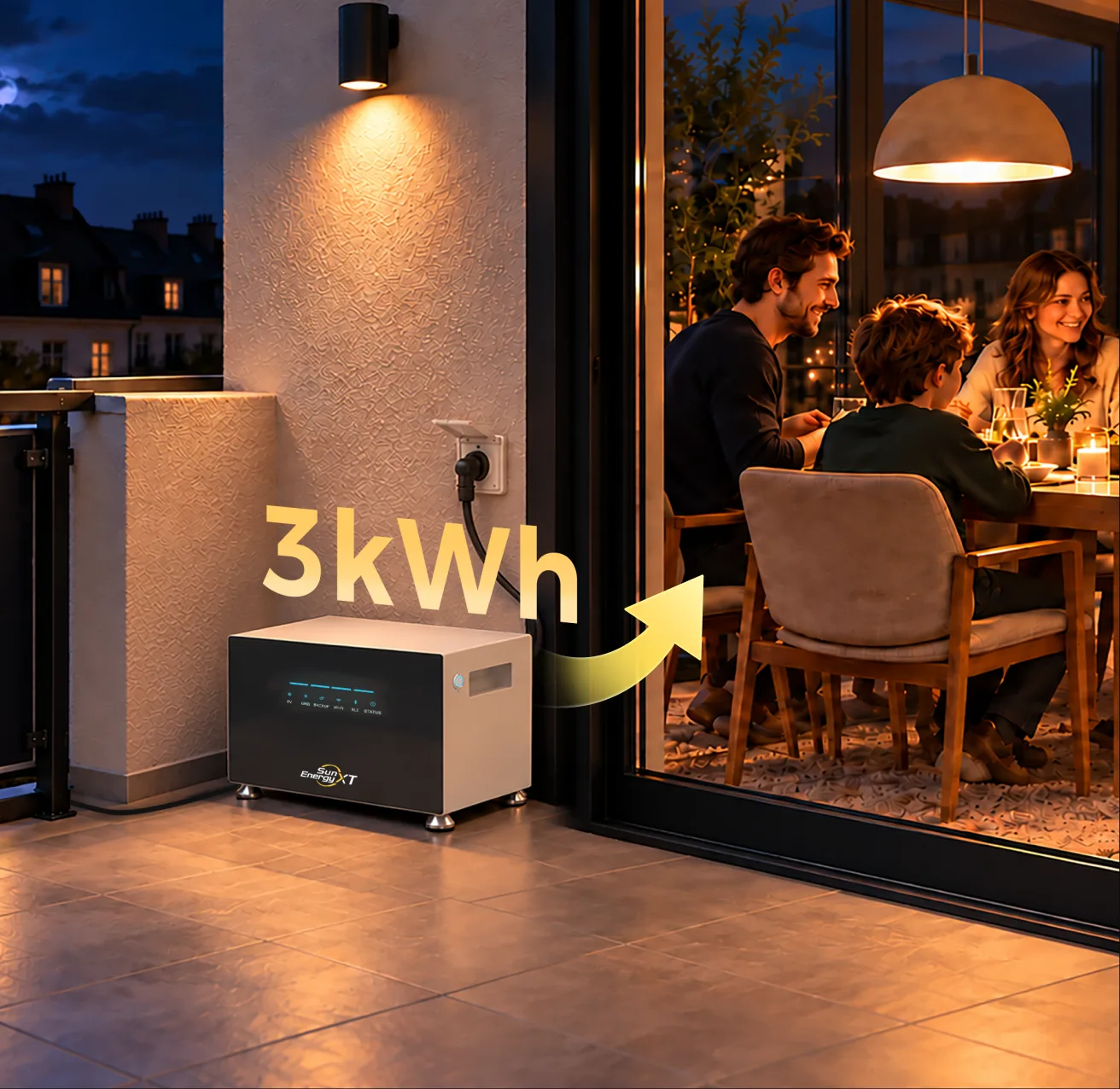

Once your code arrives, there is no menu to find and nothing to enter in the app.
Open a support ticket and tell us you want to upgrade your 500 Lite to 500.
Include the upgrade code from your order email. Our team will take it from there.
We send the upgrade code to the email address you entered at checkout. Please check your inbox.
Upgrading from 500 Lite to 500 is currently not supported in the app. Once you receive your upgrade code, please contact support to complete the upgrade.
No. Once you receive your upgrade code, you’ll need to contact support for help completing the upgrade.
Please check your spam folder and confirm the email address you entered at checkout. If you still can’t find the email, please contact support for assistance.
Purchase your code, find it in your inbox, then let our support team complete the upgrade.
Purchase your code, find it in your inbox, then let our support team complete the upgrade.
We need your consent before you can continue visiting our website.
We use cookies and other technologies on our website. Some of them are essential, while others help us improve this website and your experience. Personal data may be processed (e.g. IP addresses), e.g. for personalized ads and content or ad and content measurement. For more information about how we use your data, see our privacy policy. You can revoke or adjust your choices at any time under Settings.