











Purchase upgrade
Tap “Purchase upgrade,” enter your email address on the purchase page, and complete the payment.
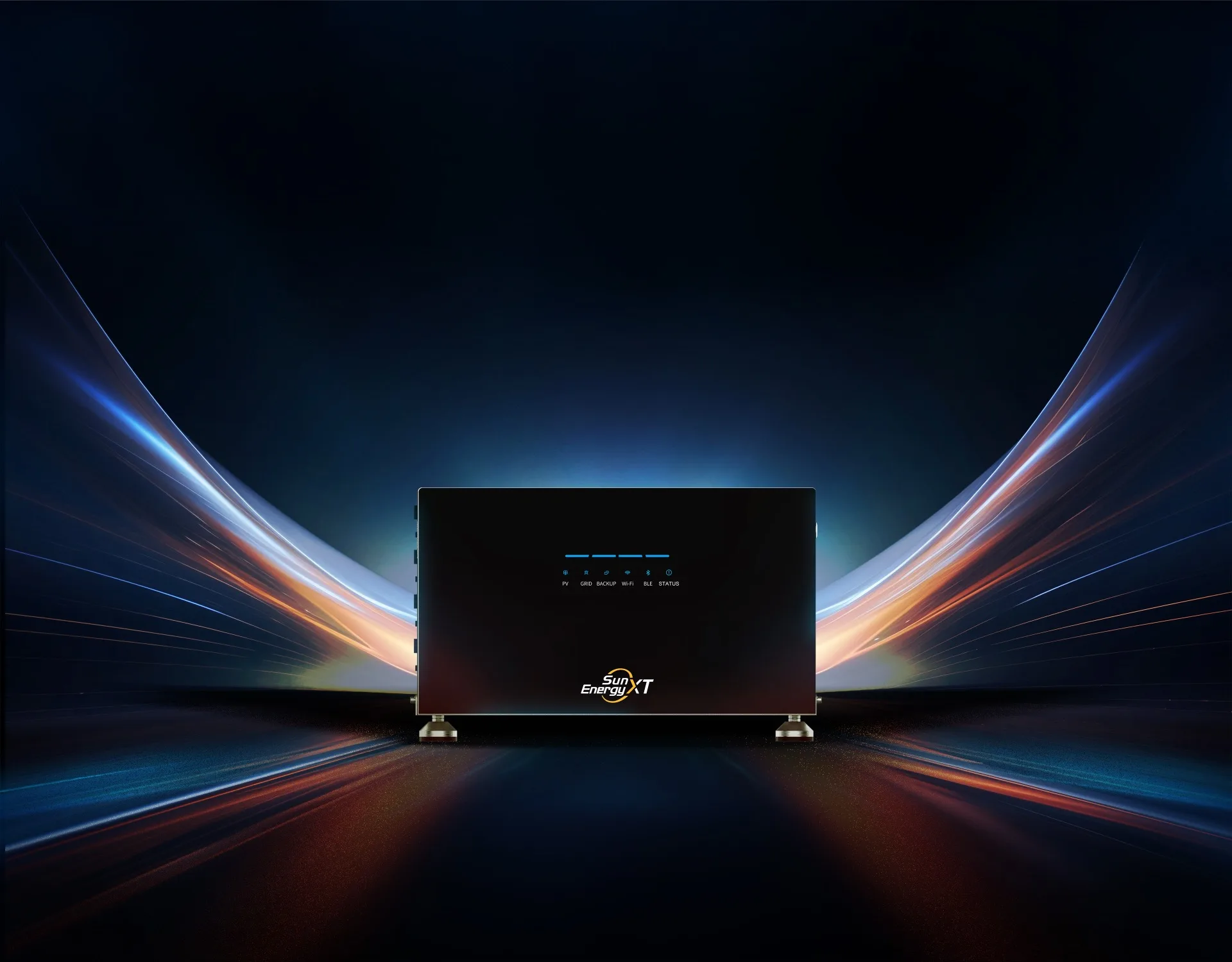
500 PRO AC Core
Activate the MPPT trackers of your 500 PRO AC Core now to connect solar modules directly.
The upgrade is currently available to customers in Germany. For other countries or regions, click here.
500 PRO
Your 500 PRO AC Core already has built-in solar input modules. After upgrading to 500 PRO, simply connect compatible solar panels to generate solar power. There is no need to purchase another device that supports solar input.
Upgrade process
Tap “Purchase upgrade,” enter your email address on the purchase page, and complete the payment.
After your purchase is complete, check your email for the upgrade code.
Open the SunEnergyXT App, enter the upgrade code, and follow the on-screen instructions to complete the upgrade.
SunEnergyXT App
First open the device settings in your App. From there, the App guides you through the purchase page, code entry, and upgrade completion.
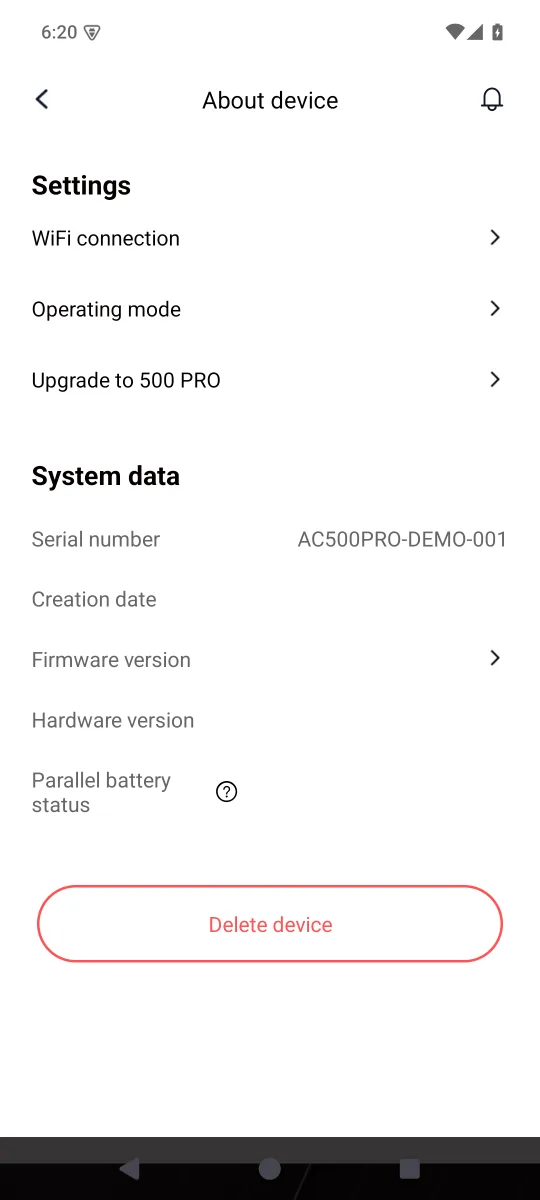
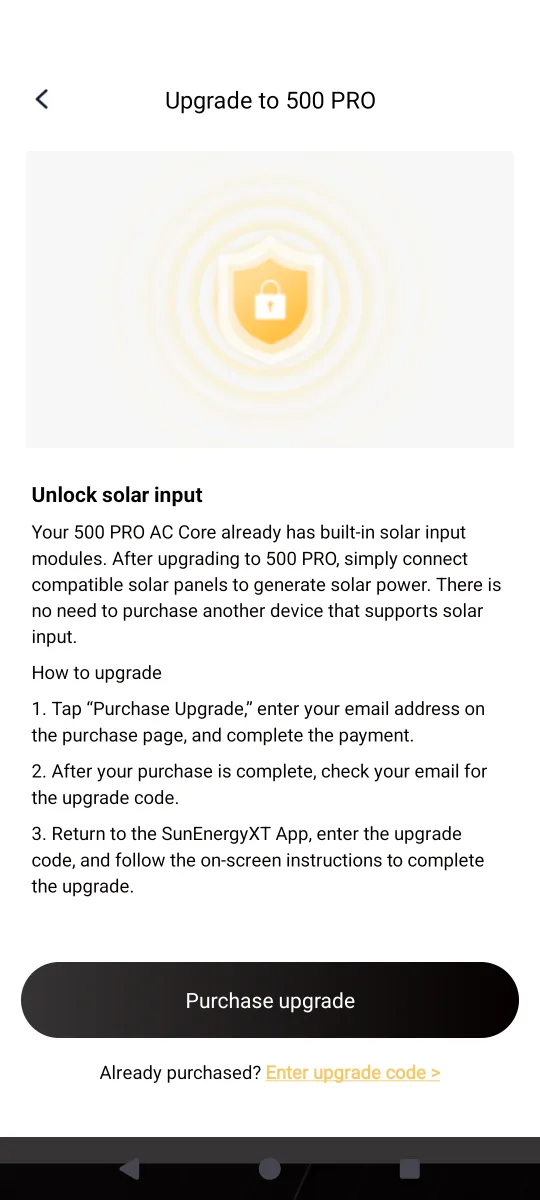
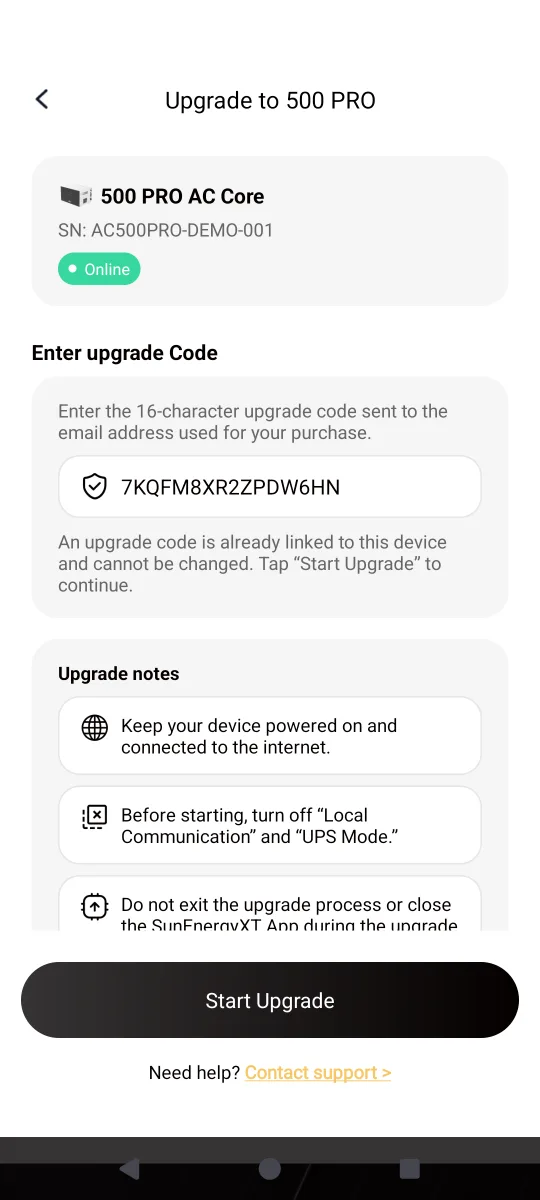
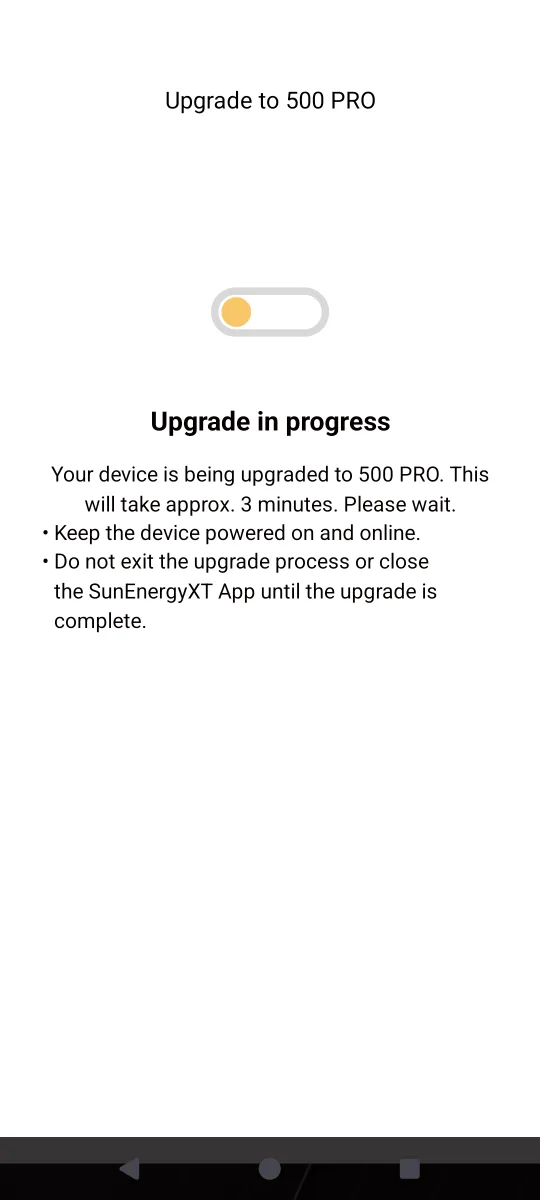
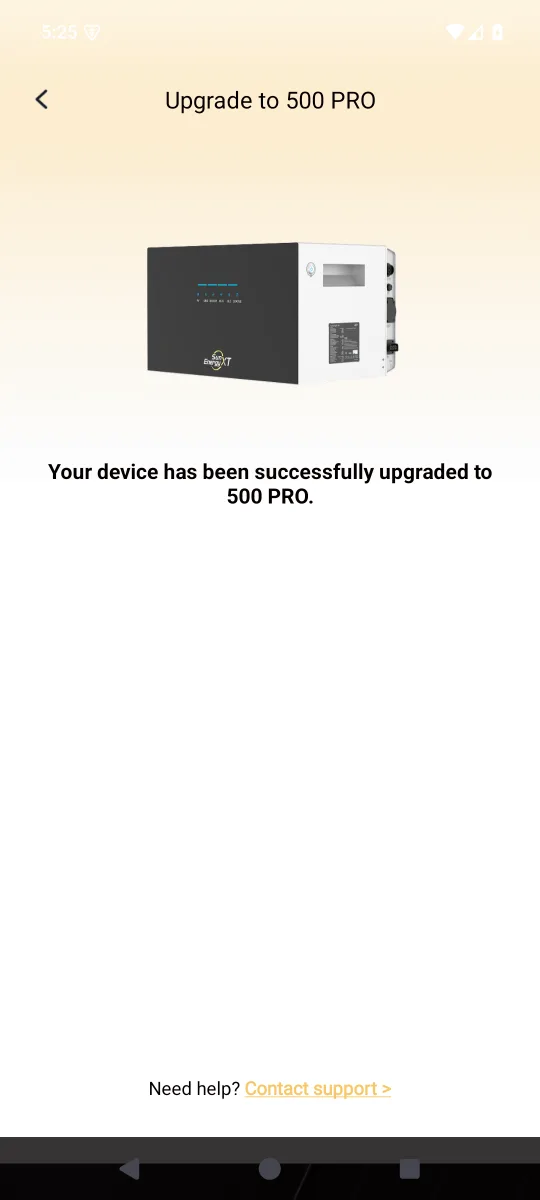
The App screenshots show sample data. Your actual device name and serial number can be found in your account.
Before you start
The actual upgrade is performed in the SunEnergyXT App and takes approximately 3 minutes.
Keep your device powered on and connected to the internet.
Before starting, turn off “Local Communication” and “UPS Mode.”
Do not exit the upgrade process or close the SunEnergyXT App during the upgrade.
Your current Power Supply Strategy will continue to run and does not need to be set again after the upgrade.
Upgrade code
Enter the upgrade code in the SunEnergyXT App. The code is sent to the email address used for your purchase.
Your personal upgrade code is sent by email after purchase.
FAQ
The upgrade unlocks the 4 MPPT solar charge controllers, which are already hardware-ready in your 500 PRO AC Core, each providing 625 W of solar input power. After the upgrade, you can connect up to 8 compatible solar modules (up to 100 V max. DC input voltage per MPPT) directly to your battery storage system.
The process usually takes approximately 3 minutes. Keep the device powered on and the App open until it is complete.
Open the settings for your 500 PRO AC Core in the SunEnergyXT App and select “Upgrade to 500 PRO.” The website itself does not perform the device upgrade.
500 PRO AC Core
Purchase the upgrade, receive your personal code by email, and complete the activation securely in the SunEnergyXT App.
We need your consent before you can continue visiting our website.
We use cookies and other technologies on our website. Some of them are essential, while others help us improve this website and your experience. Personal data may be processed (e.g. IP addresses), e.g. for personalized ads and content or ad and content measurement. For more information about how we use your data, see our privacy policy. You can revoke or adjust your choices at any time under Settings.
